

Find the right AI tool, fast.
AI tools are everywhere—and most lists are either hype or too technical. We cut through the noise with plain-English recommendations based on what you actually need: writing, meetings, research, images, automation, or team use. Every pick includes “best for” guidance, key trade-offs, and quick setup tips so you can choose confidently and get value quickly—whether you’re just starting out or scaling AI into your workflow.
The Practical Starter Stack
If you’re not sure where to begin, start with a small, reliable stack. These categories cover 90% of everyday use: a chatbot (Large Language Models) for drafting and thinking, a meeting notes tool for summaries and actions, a writing assistant for clarity, and (optionally) an automation tool to connect the pieces. Below you’ll find our picks by category, with “best for” guidance so you can choose fast.
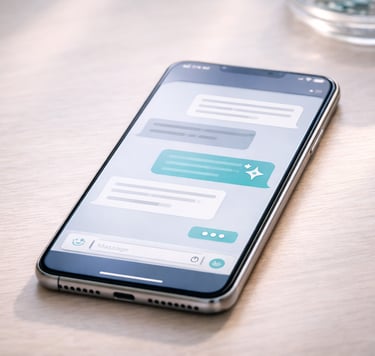
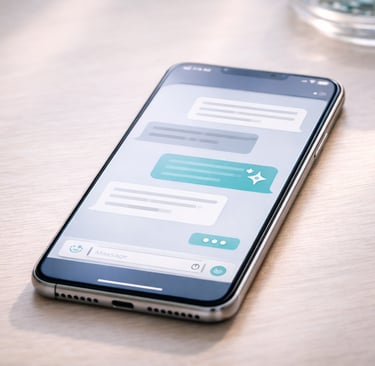




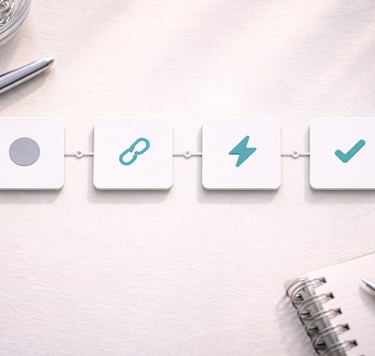
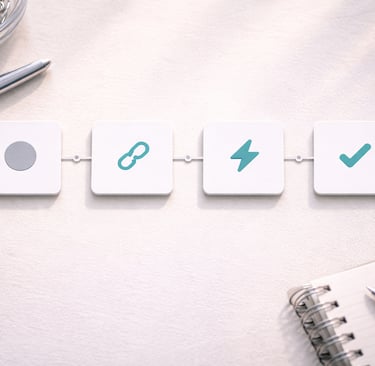
Chatbots
Meeting Notes
Writing and Editing
Automation

“AI won’t replace people — but people who use AI well, will replace people who don’t. The future belongs to those who stay human and work smarter.”
Pick your tool by what you’re trying to do
Most people don’t need “the best AI tool” — they need the right tool for a specific job. Choose a category below and you’ll see our practical picks with a simple “best for” guide, key trade-offs, and quick setup notes. No hype, just what works.


Presentation & Docs'
Create polished docs, briefs, and decks faster.
Images & Design
Generate visuals, mockups, and brand assets without fuss.
Research & Summaries
Turn long content into clear takeaways and next steps.







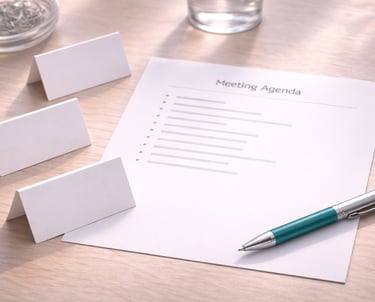


Video & Audio
Team & Business
Privacy & Security
Transcribe, summarise, and repurpose audio/video quickly.
Tools that support collaboration, admin, and workflows.
Get the Practical Guides
Tools are only useful when you know what to do with them. Our guides turn each category into a repeatable workflow—what to choose, how to set it up, and exactly how to use it for real outcomes (summaries, docs, visuals, and team workflows). Start with a beginner-friendly pack, or browse the full library.
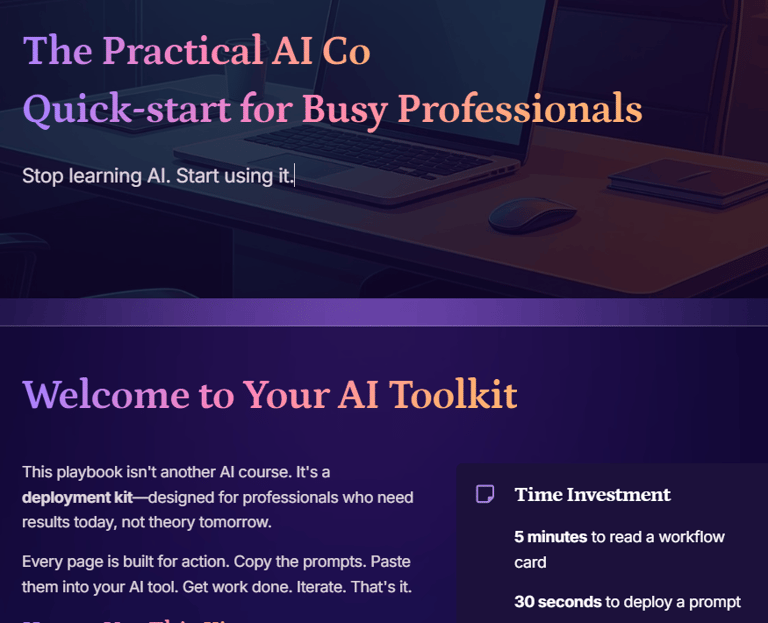
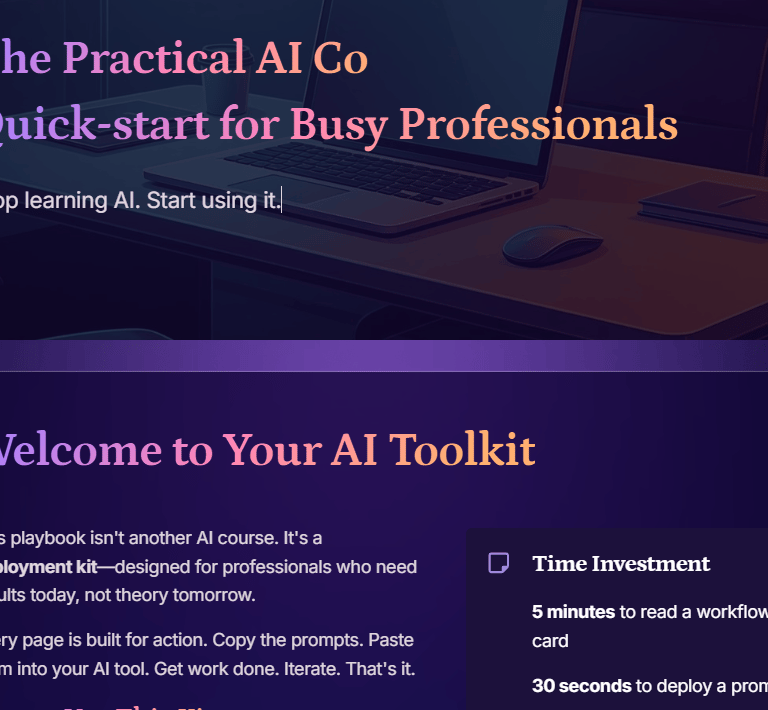
AI Quickstart (FREE)
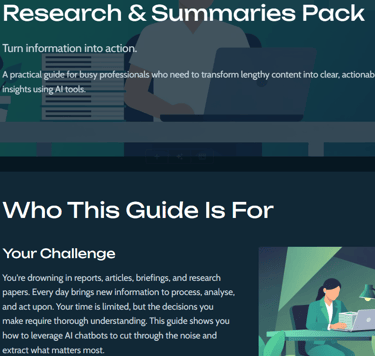
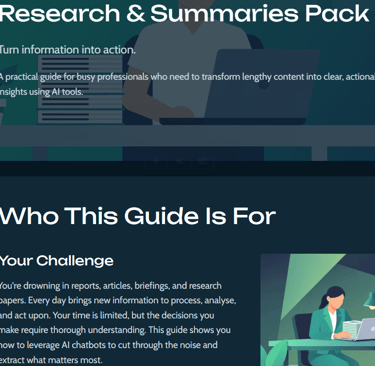
Research & Summaries Pack
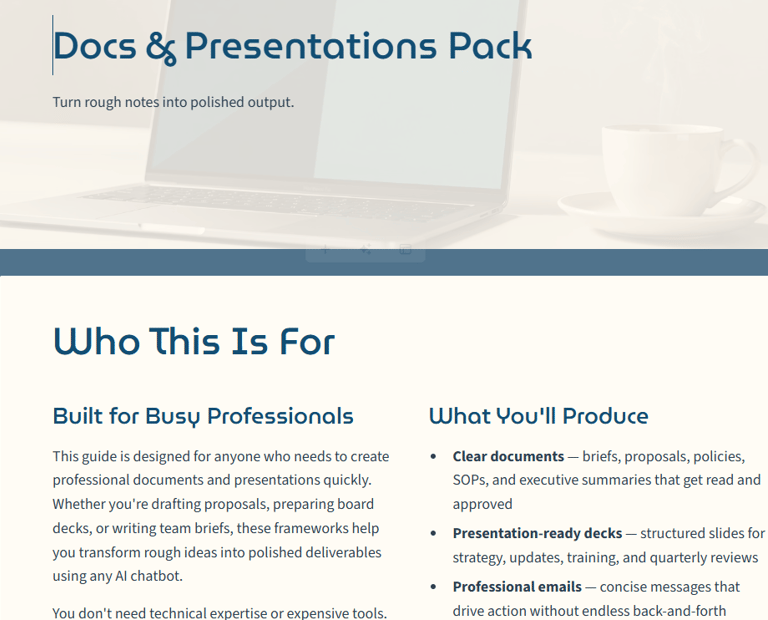
Docs & Presentation Pack
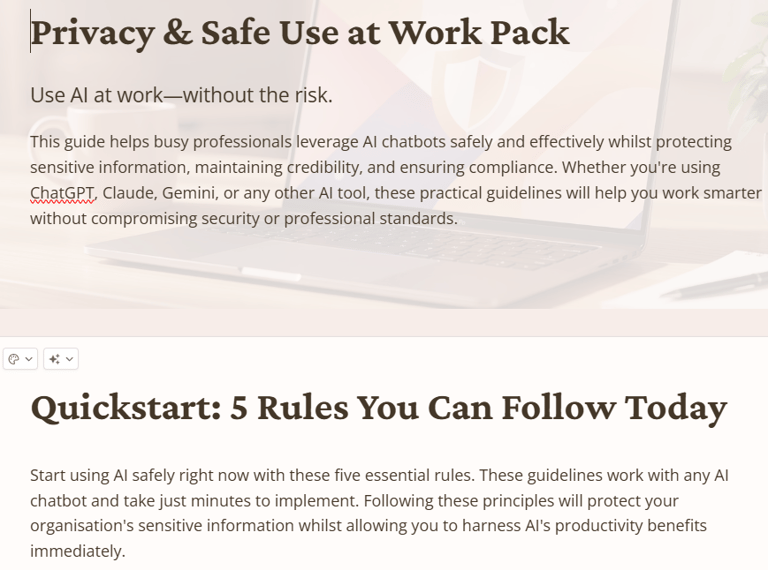
Privacy & Safe Use at Work
Contact
FAQ Questions?
hello@practicalai.co
© 2026. All rights reserved.
Terms and Conditions
Privacy Policy